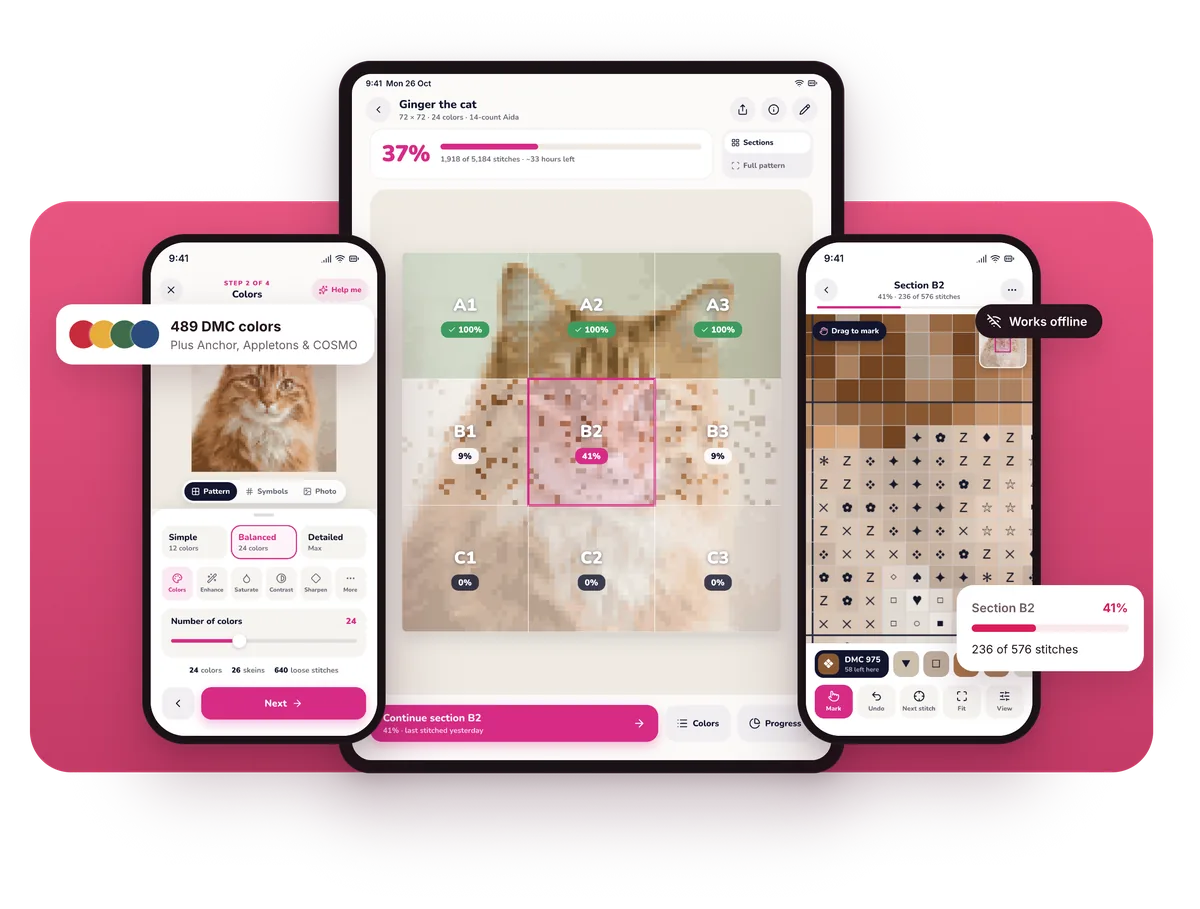
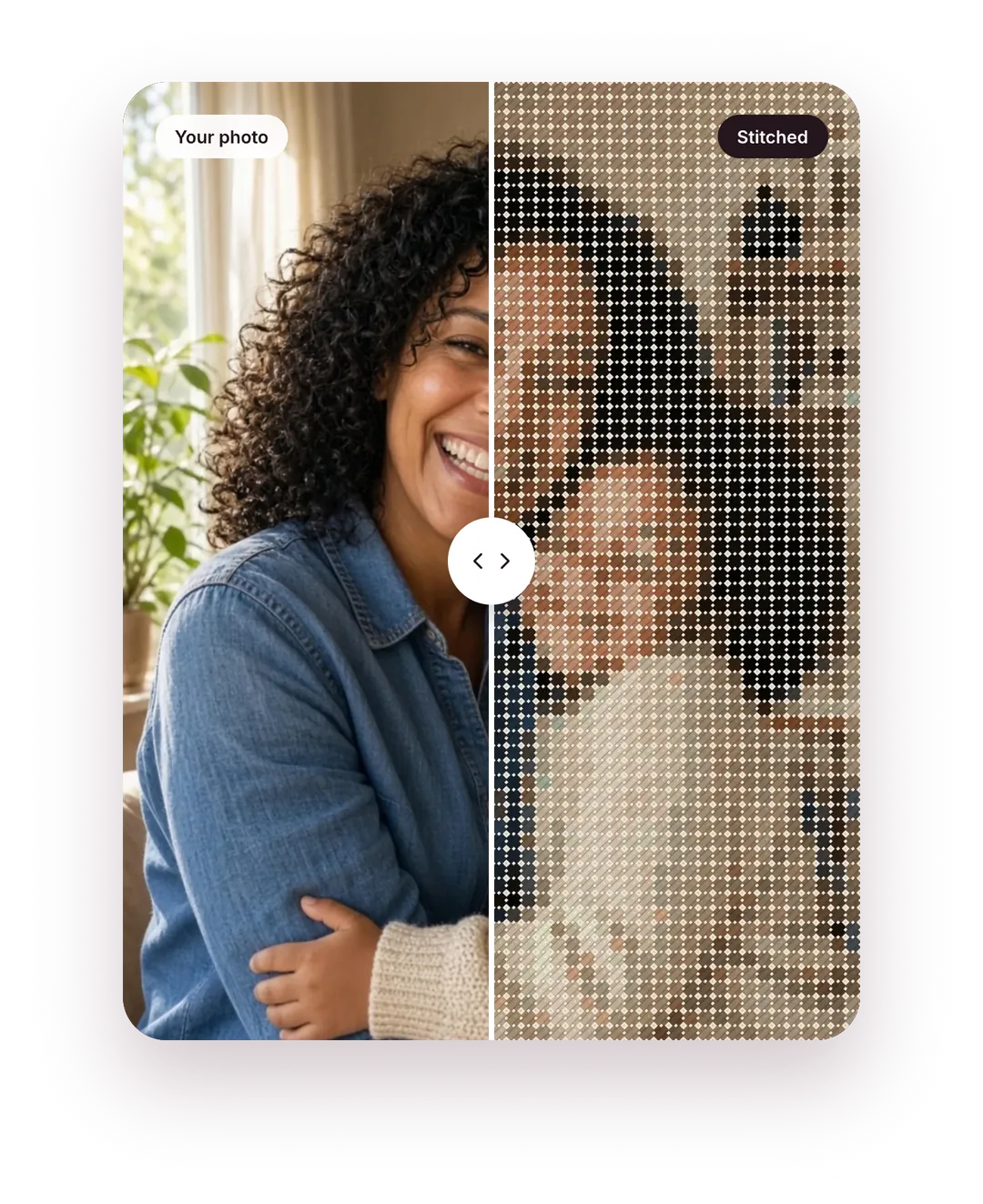
Turn any photo into a cross stitch pattern with real DMC threads, a clear symbol chart and a tracker for every stitch. Free to start, no account needed.
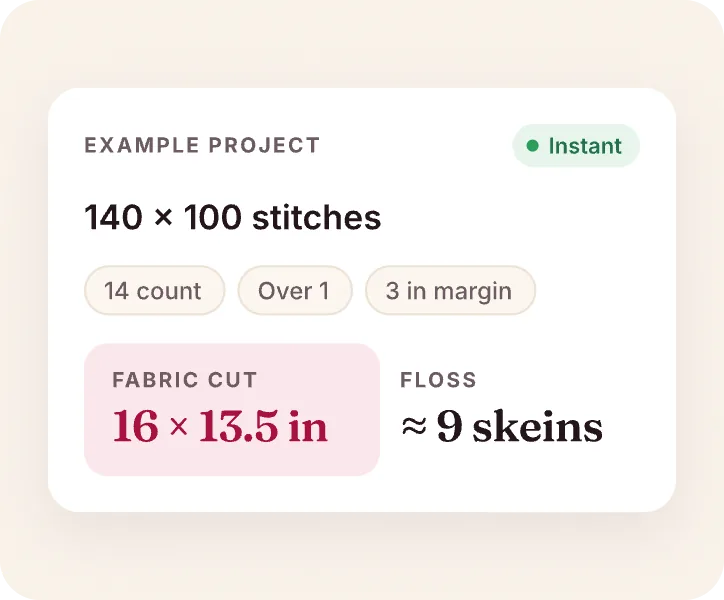
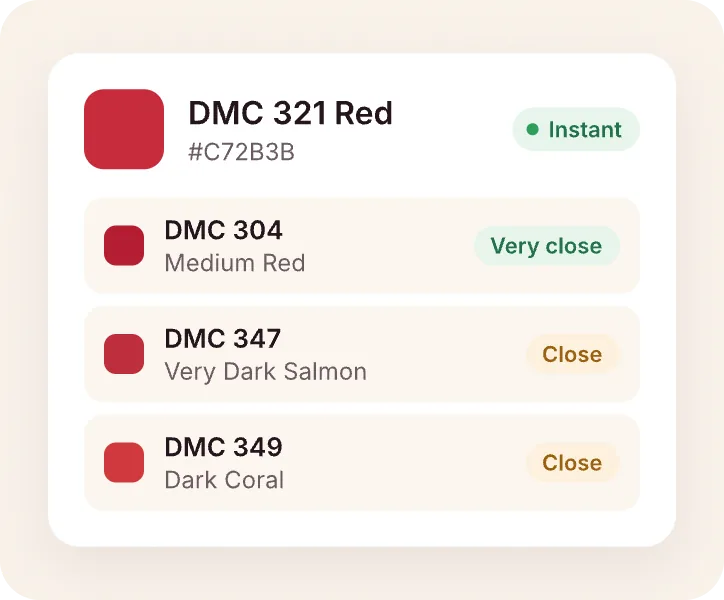
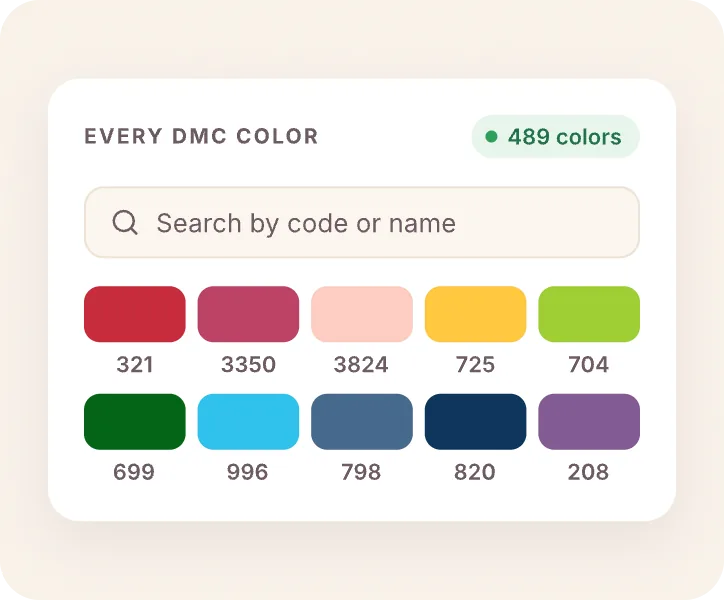
All 489 DMC stranded colors, plus Anchor, Appletons and COSMO. The shopping list counts skeins and fabric for you. Look up any shade in the DMC color chart.
DMC 310Black3 skeins
DMC 801Dark Coffee Brown2 skeins
DMC 3865Winter White2 skeins
DMC 820Very Dark Royal Blue1 skein
14-count Aida · cut 32 × 41 cm · 8 skeins total
Full editor
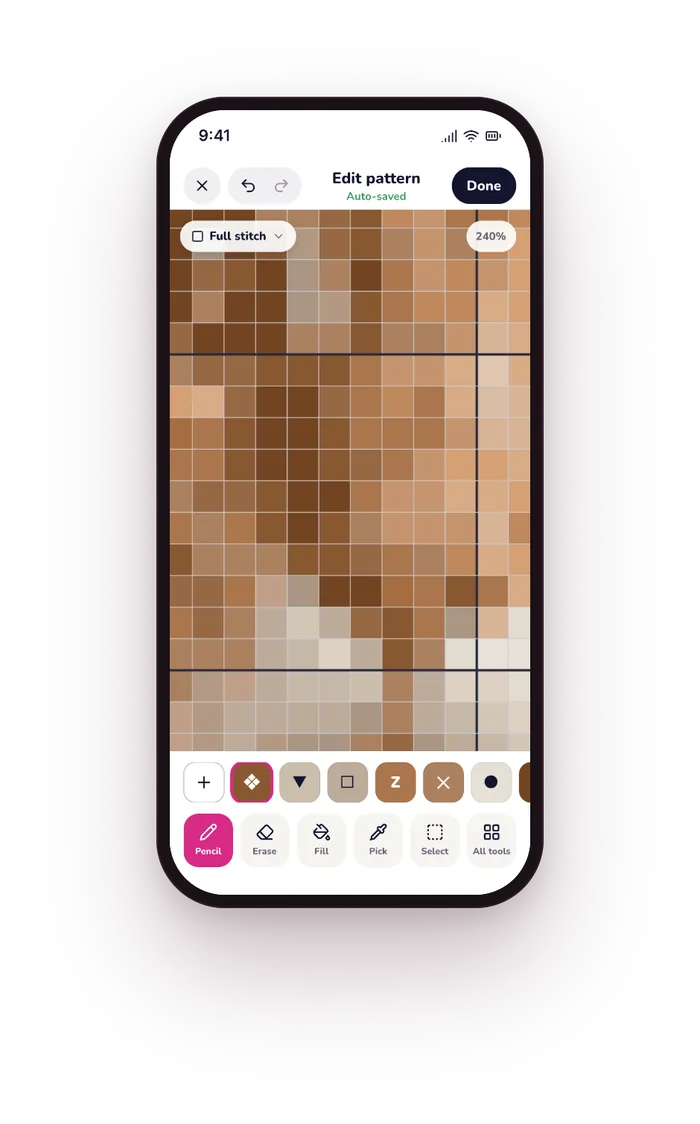
Change any stitch.
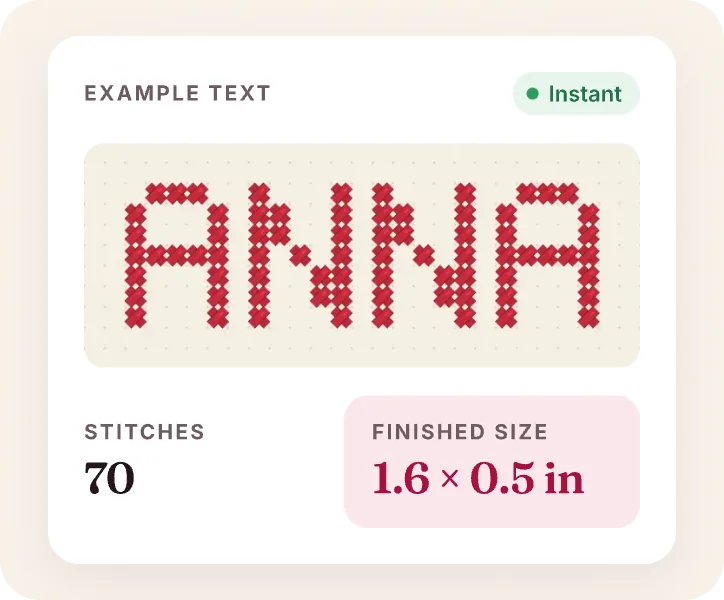
Draw, erase, fill, add backstitch or text, and swap a color across the whole pattern.
Progress
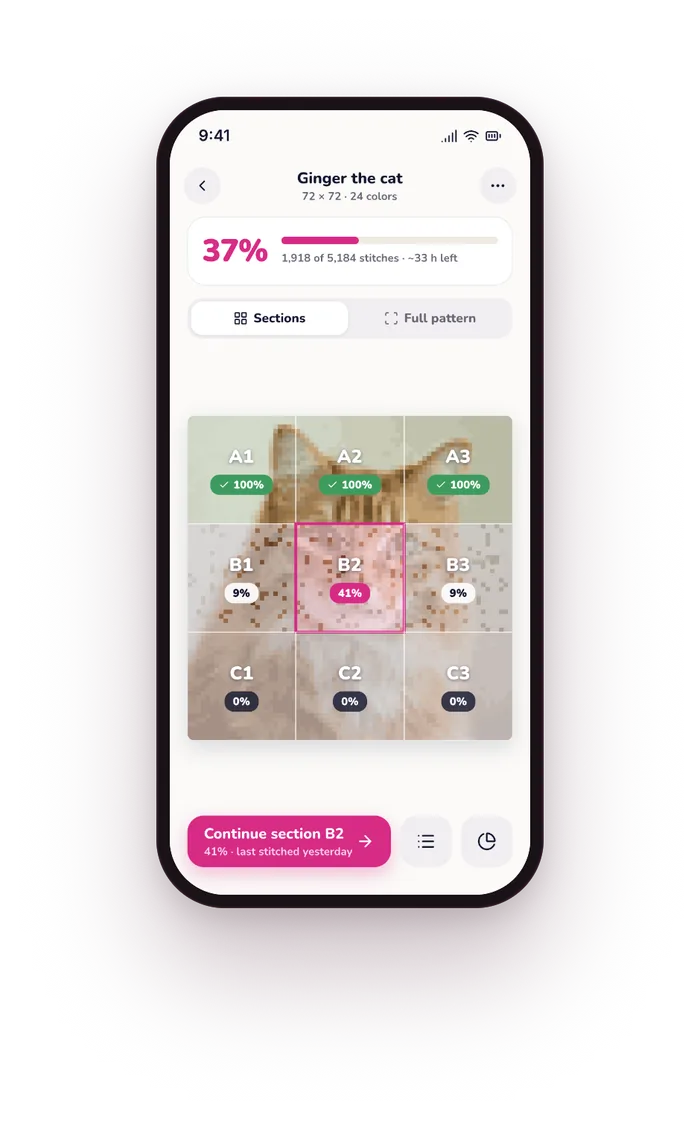
Mark stitches as you go.
Big patterns come in sections, so you always know where you are.
Print
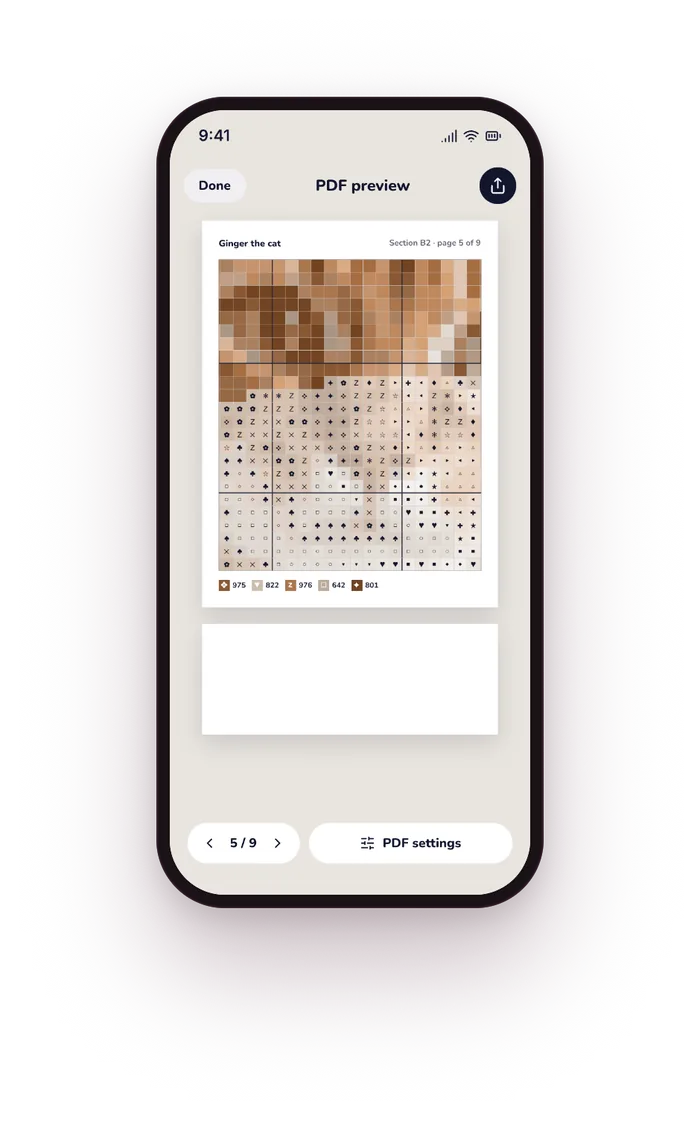
Charts you can print.
Symbol grid, row numbers, color key and skein counts in one PDF.
Private by design
Your photos stay yours.
Patterns are made on your iPhone or iPad. Nothing is uploaded to us.
No account
No uploads
Works offline
iPad
Made for iPad. Just as good on iPhone.
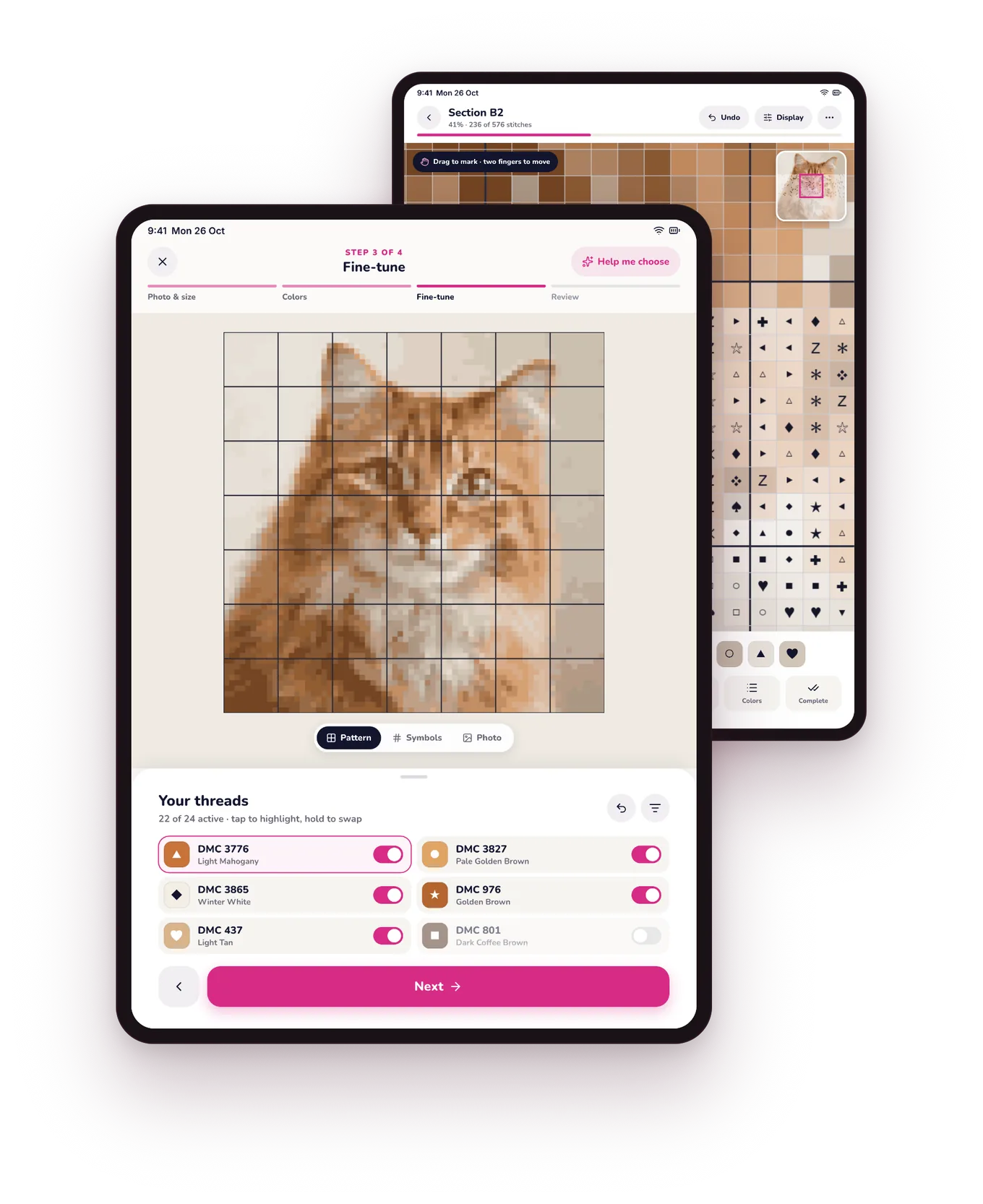
The big screen shows more of your chart at once, with colors and tools right beside it. Perfect next to your hoop.
Tools and colors side by sideNo switching between panels.
Live preview while you convertEvery change, instantly.
One app for bothThe same app on iPhone and iPad.
Ideas
What will you stitch first?
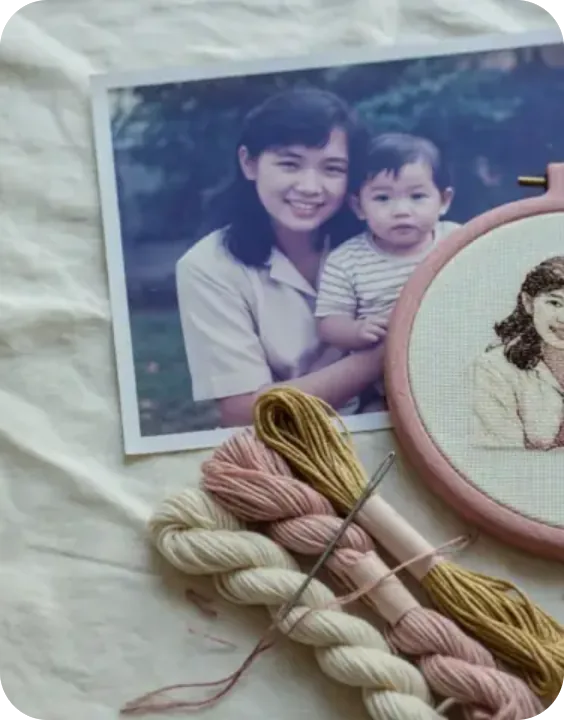
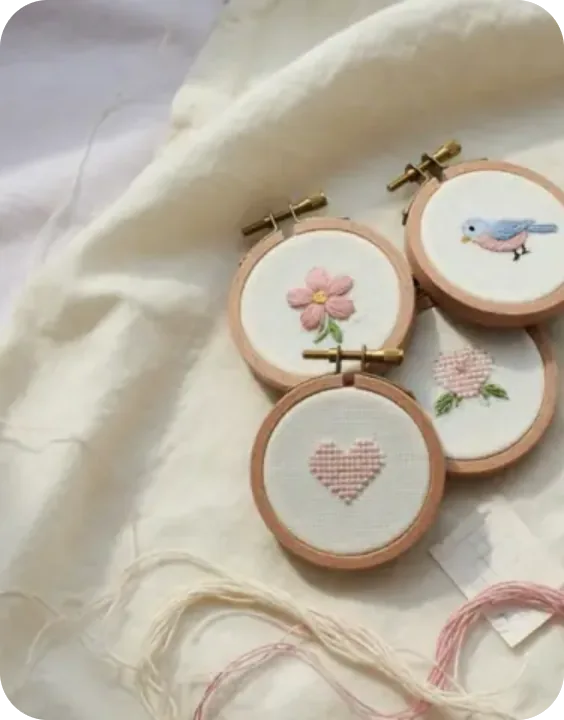
A pet, a person, a place or a design of your own. If you can photograph it or draw it, you can stitch it.
Quick answers to what stitchers ask most. More in Help & contact.
How do I turn a photo into a pattern?
Open StitchCraft, choose a photo, pick the size and number of colors and tap Generate. You get a symbol chart with a real DMC thread for every square. The photo to pattern guide walks you through each step.
Is StitchCraft free?
Yes, you can start for free. Premium removes the limits and adds iCloud Sync, as a yearly plan or a one-time purchase.
Does it use real DMC colors?
Yes. All 489 DMC stranded cotton colors, plus Anchor, Appletons and COSMO threads. You can browse them all in the free DMC color chart.
Do I need an account or internet?
No. StitchCraft works offline and never asks you to sign up.
Can I print my pattern?
Yes. Export a PDF with the symbol grid, row numbers, color key and skein counts.
Which devices does it work on?
iPhone and iPad with iOS 18.6 or later.
Your next project starts with one photo.
Download StitchCraft for free and have a chart you can stitch in minutes.