

Help & contact
Answers to the questions people ask most. Still stuck? Send an email and you'll get a personal reply.
Email support
Write to info@trystitchcraft.com. Mention your device, iOS version and app version, so I can help faster.
Send an emailAsk from the app
In StitchCraft, open Settings and tap Contact support. Your app details are added for you.
Open StitchCraftRestore Premium
New phone or tablet? Open the Premium screen in the app and tap Restore Purchases. Use the same Apple ID.
How it worksGetting started
How do I make my first pattern?
Tap From a photo on the home screen, pick a photo and follow the four steps: size, colors, fine-tune and review. The photo to pattern guide has tips for each step.
Can I design a pattern from scratch?
Yes. Choose Blank canvas and draw stitch by stitch with the pencil, fill and eraser.
Which devices are supported?
Any iPhone or iPad that runs iOS 18.6 or later.
Backups & sharing
Are my patterns backed up?
StitchCraft keeps a daily backup on your device, free for everyone. For an extra copy, go to Settings › iCloud & Backup › Export Backup. With Premium, iCloud Sync keeps your patterns in iCloud.
How do I move to a new device?
Turn on iCloud Sync with Premium, or export a backup in Settings › iCloud & Backup and open the file on your new device.
Can I share a pattern with a friend?
Yes. Export it as a pattern file and send it with AirDrop, Messages or Mail. Your photo and progress stay private.
Free tools while you're here
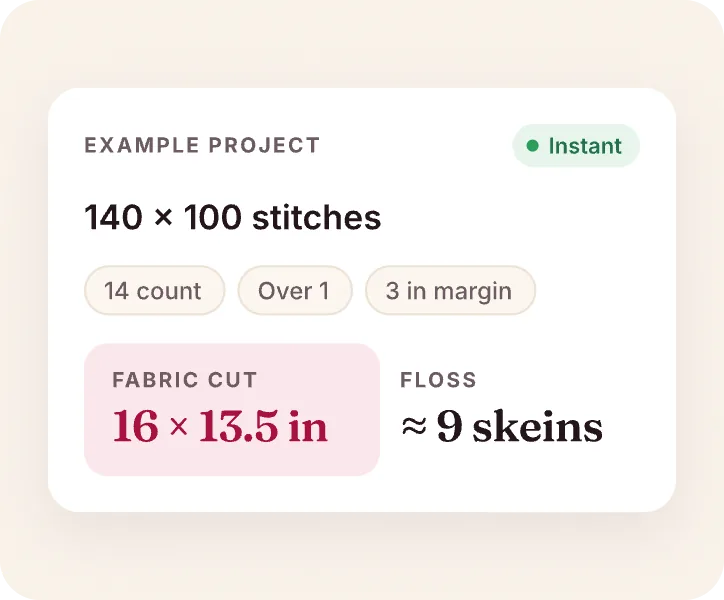
Cross stitch calculator
Fabric size, cut and skeins for any count, in inches or centimeters.
Open the calculator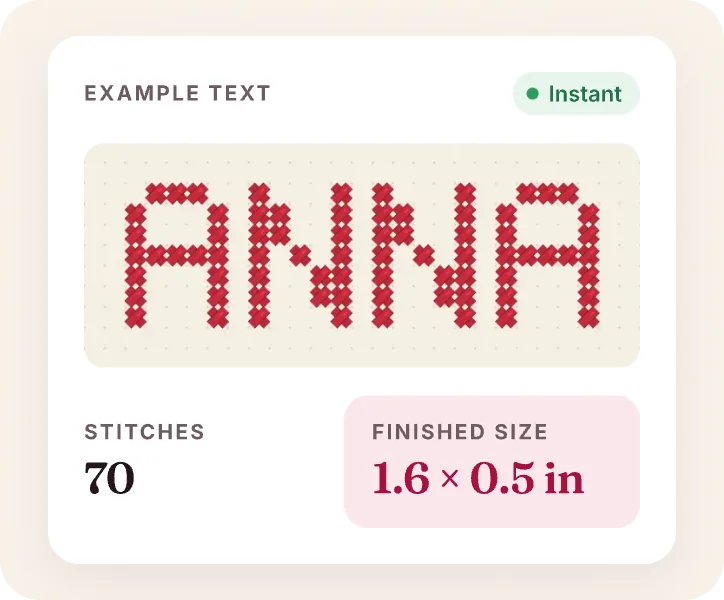
Cross stitch letters generator
Type a name and get a letter chart in a real DMC color, ready to print.
Open the letter generator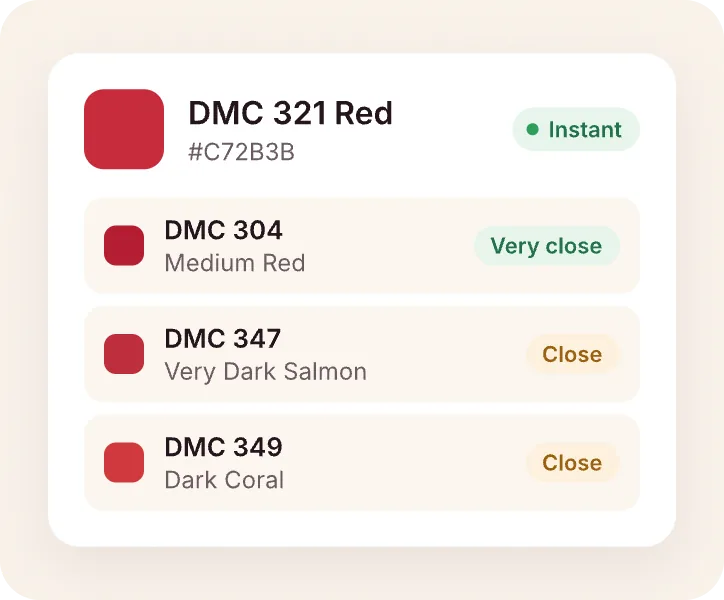
DMC color matcher
Find the closest DMC thread for any color, hex code or photo.
Open the color matcher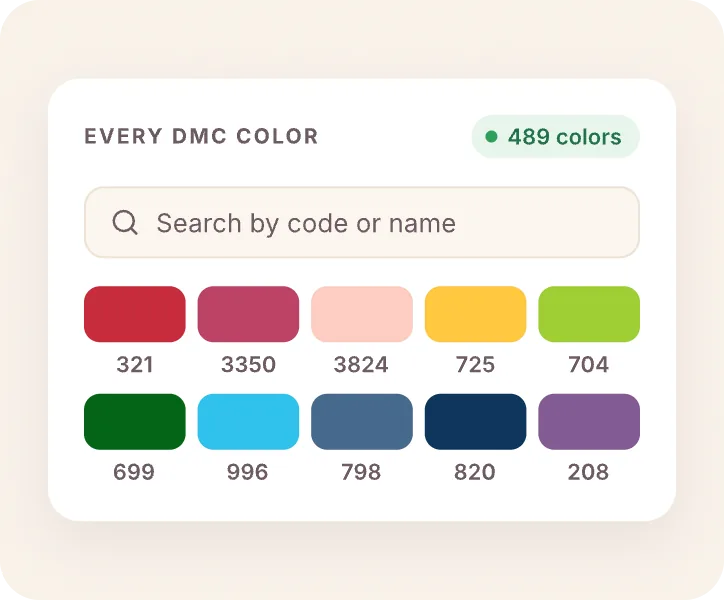
DMC color chart
All 489 DMC floss colors on one page, with numbers, names and hex values.
Open the color chart